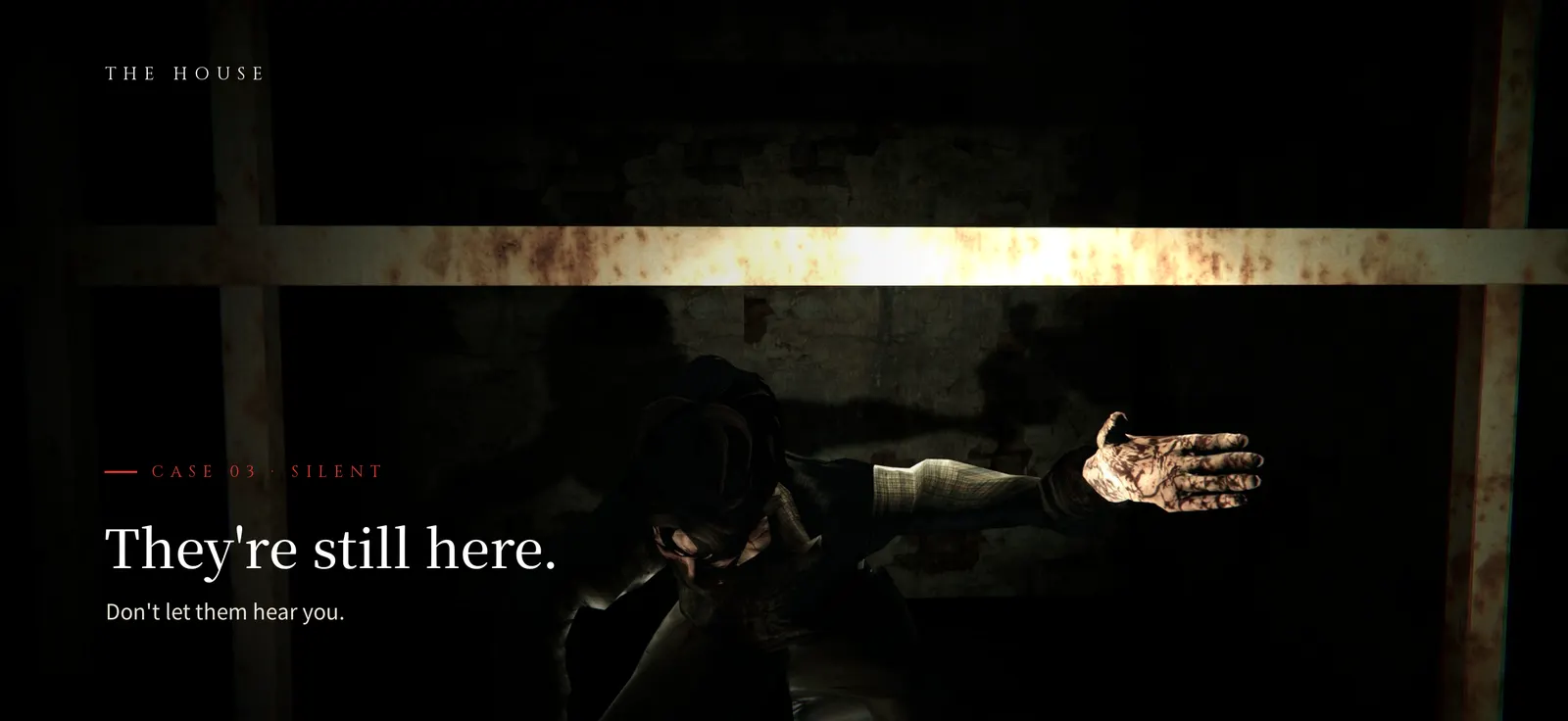
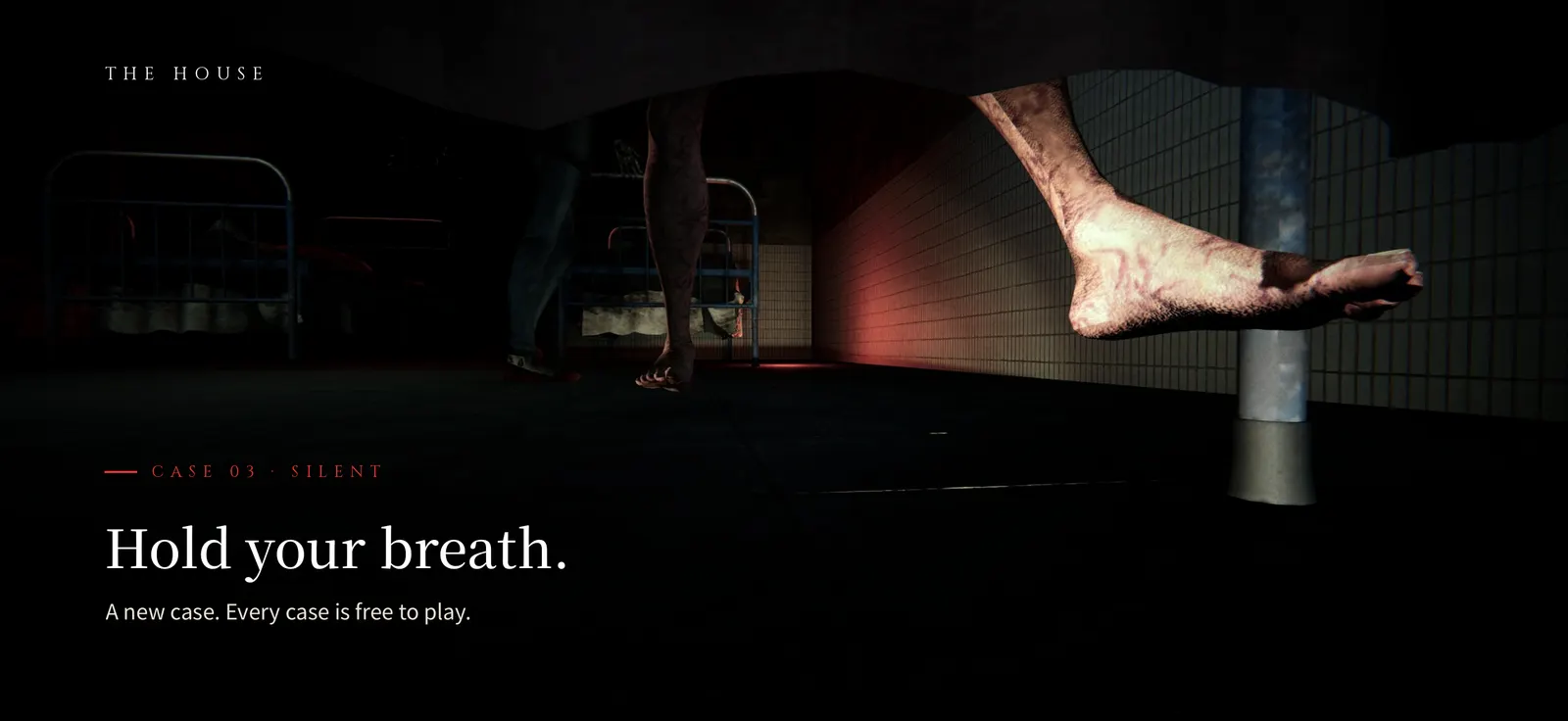
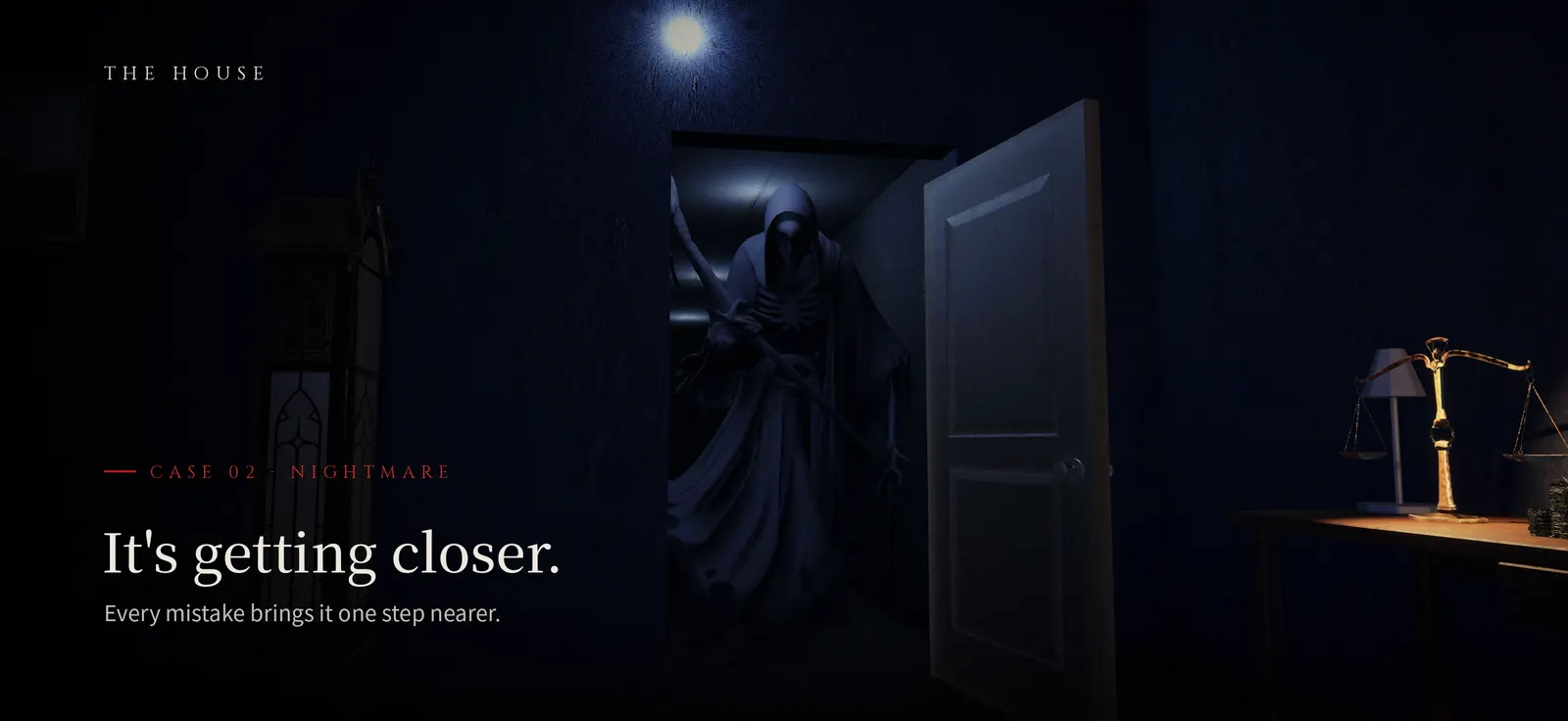
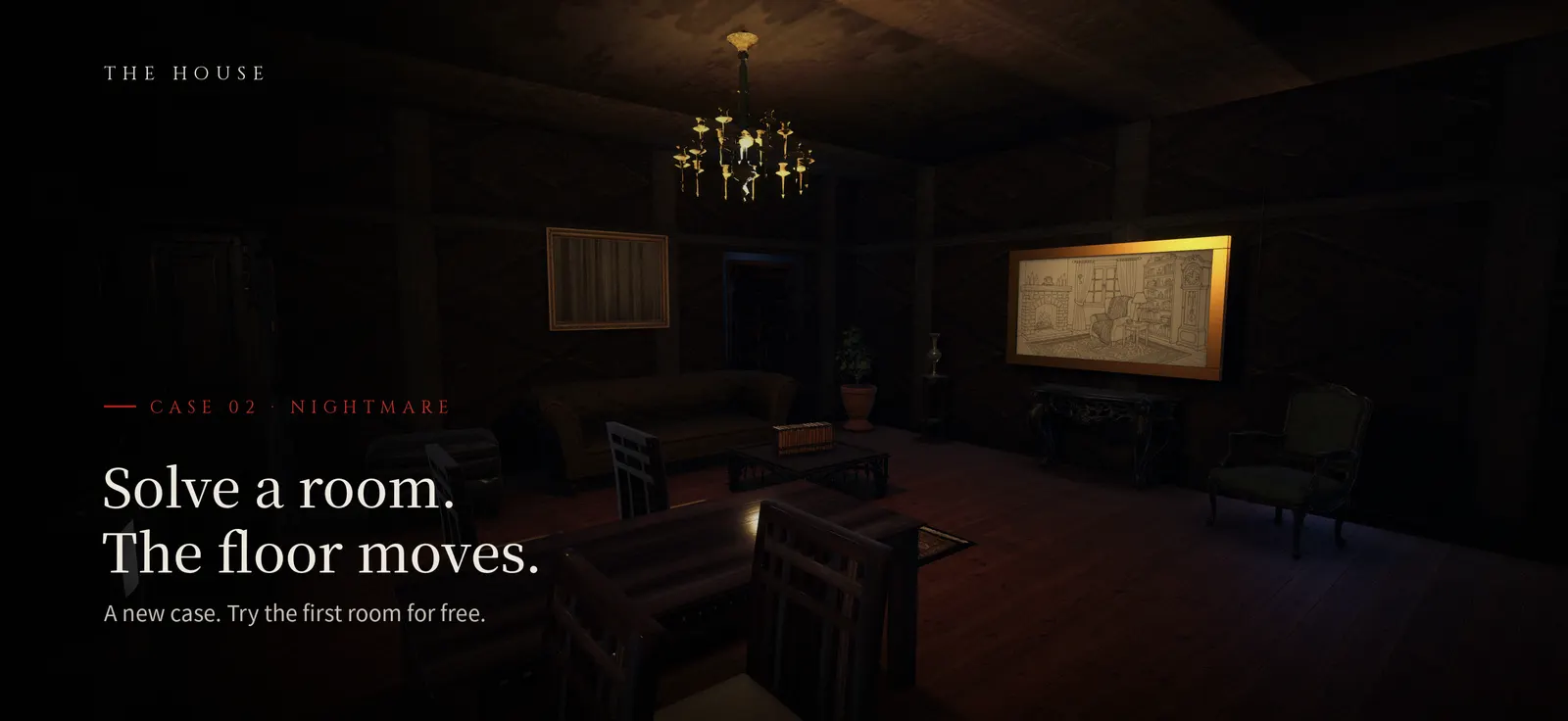
* Idea → Google Play store build ~4 weeks (~16 active days). Estimated from file dates; overlapped the hackathon
01
Idea / Problem
First instruction: "I'm thinking of making an escape-room game — can I do this alone?"
Original (KO): "방탈출 게임을 만들어볼까 하는데, 나 혼자서 가능한가?"
I wanted to bring the tension of an escape room into a game you hold in your hand. I'm a planner with no game-engine experience. So instead of "coding it myself," my goal was to "set the plan and the bar, then direct AI step by step to ship a commercial-quality game to the store."
02
The Plan & Bar I Set
Designed the scenario, room layout, and puzzles/mechanics myself (capturing reference-video screenshots as the spec)
Controls bar: movement joystick + drag-to-look, and real-time 3D free look rather than fixed panoramas
Release bar: English first, Android-first plus iOS, $1 per scenario
Chose Unity 6 (runs natively on Mac/Apple Silicon) from a general 3D template — a choice I made together with AI.
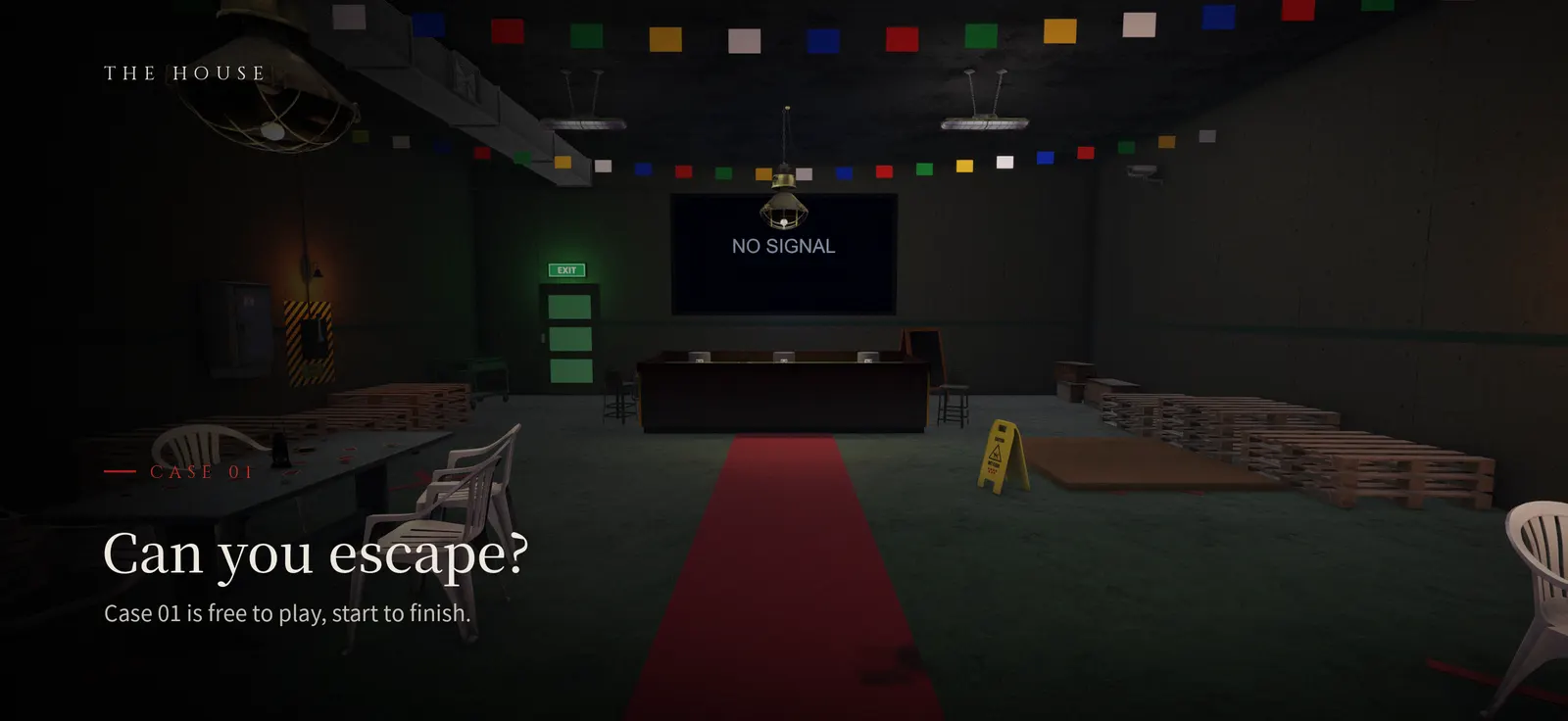
Can you escape? — Case 01 is free, start to finish
03
Directing AI
Fig. the-house-03
Directing AI
01 First instruction
build the basic skeleton — 3D scenes, first-person controls (movement, look), and object interaction.
02 What I checked
I played it myself and found where the look felt off and where interactions felt flat.
03 Correction
I translated play feel into instructions — "when an object is clicked, make it obvious with a cinematic zoom-in," "remove hint markers and let dummy objects be clickable too." I directed the build and asset-splitting the same way, step by step.
Actual instructions (excerpts)
›I'll write up the references and gimmicks, even the item table — you handle the implementation and image guidance.Original레퍼런스와 기믹은 내가 아이템표까지 짜서 줄게 — 넌 구현과 이미지 가이드를 해줘.
›Remove the hint markers, and when an object is clicked, make it obvious with a cinematic zoom-in.Original힌트 표시는 빼고, 오브젝트를 클릭하면 시네마틱 줌인으로 확실히 보여 줘.
04
Where It Got Stuck & How I Resolved It
Install size blowup: Early on, bundling all assets into the app made it too large. I first checked the official docs, confirmed the Addressables + Play Asset Delivery (on-demand download) approach, then directed AI to restructure accordingly, cutting the initial footprint.
Build mistakes: Hand-building each version led to missed settings. I directed AI to wrap the build/archive steps in a script so every version shipped through an identical procedure.
Fig. the-house-05
Install size → Addressables + Play Asset Delivery
Before
One app = code + every room's assets
Everything downloads on first install → too heavy
split
After
Base app (install)Code + first screensStarts light
Asset packs (Addressables)
Room ARoom BRoom CCinematicsAudio…
Play Asset Delivery: fetched when needed
I confirmed the approach in the official docs first, then directed the AI to split assets into packs downloaded when needed.
Case 01
The initial build's install size was excessiv…
!
Symptom
The initial build's install size was excessive.
›
How I described it
there are many assets and the app is too heavy; I want to cut the size.Original에셋이 많아 앱이 너무 무겁다, 용량을 줄이고 싶다"고 사실로 전달.
↺
AI’s first try
Simple cleanup didn't fix the root cause.
◎
What I caught
The docs confirmed Addressables + Play Asset Delivery (on-demand split download) was the right answer.
✓
Fix
Directed a restructure to that approach, lowering the initial install size.
⟲
Prevention
Made "asset splitting" part of the bar from the start on later projects.
05
Results
237 C# files, ~35,900 lines — about half is an editor-only scene builder, so the game runtime code is ~17,700 lines (organized by role: Core/Interaction/Player/Cinematic/UI).
Iterated the Play upload bundle across many generations (latest build 1.0.10_27); the latest built with zero errors.
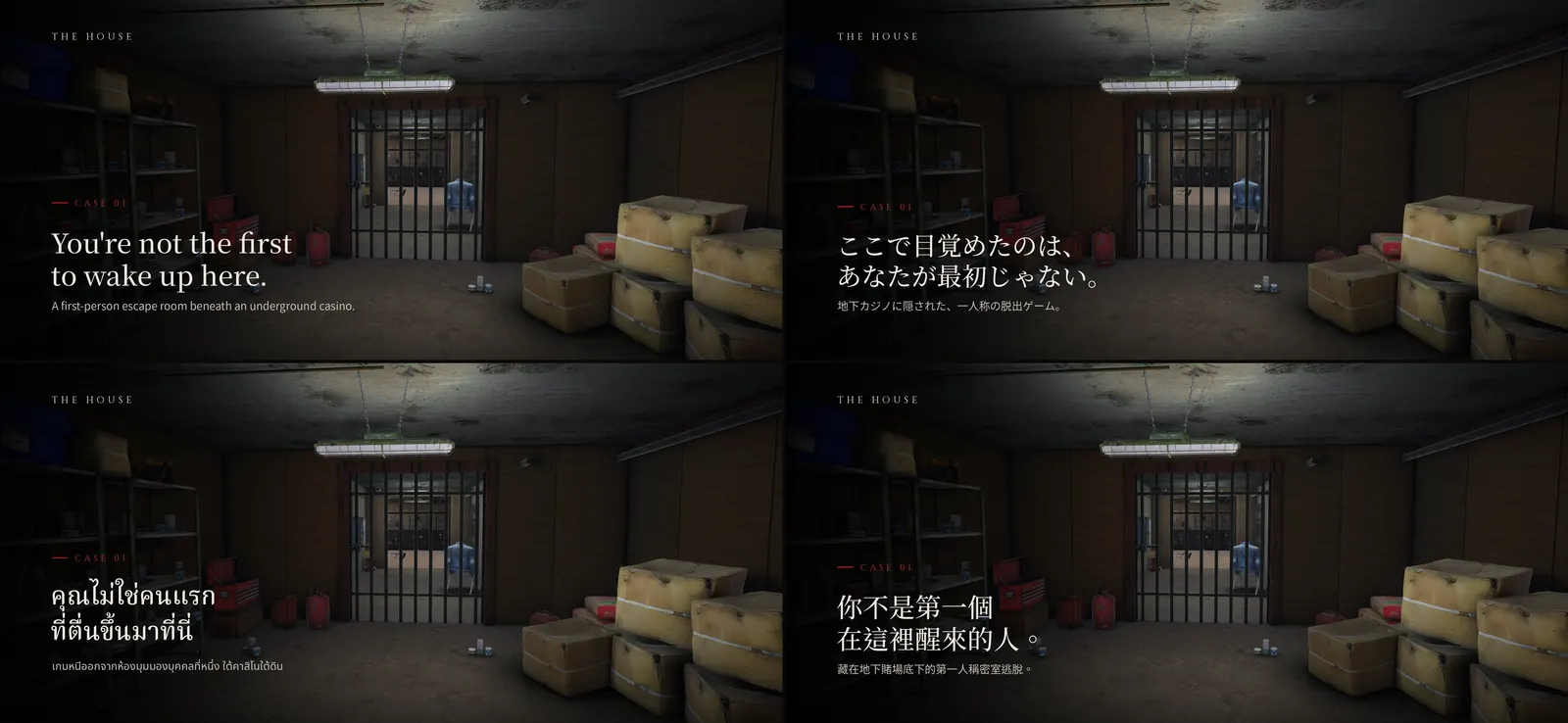
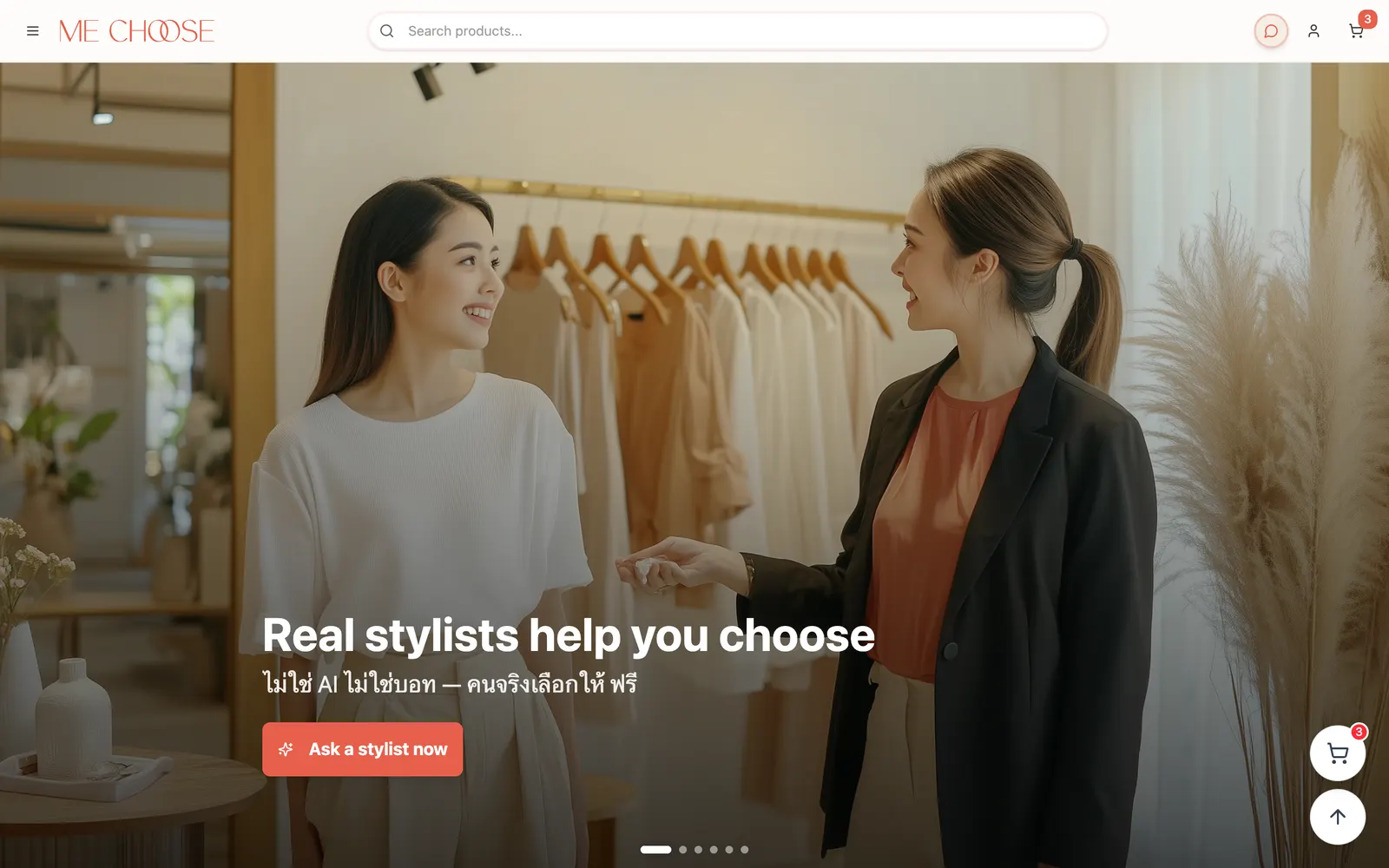
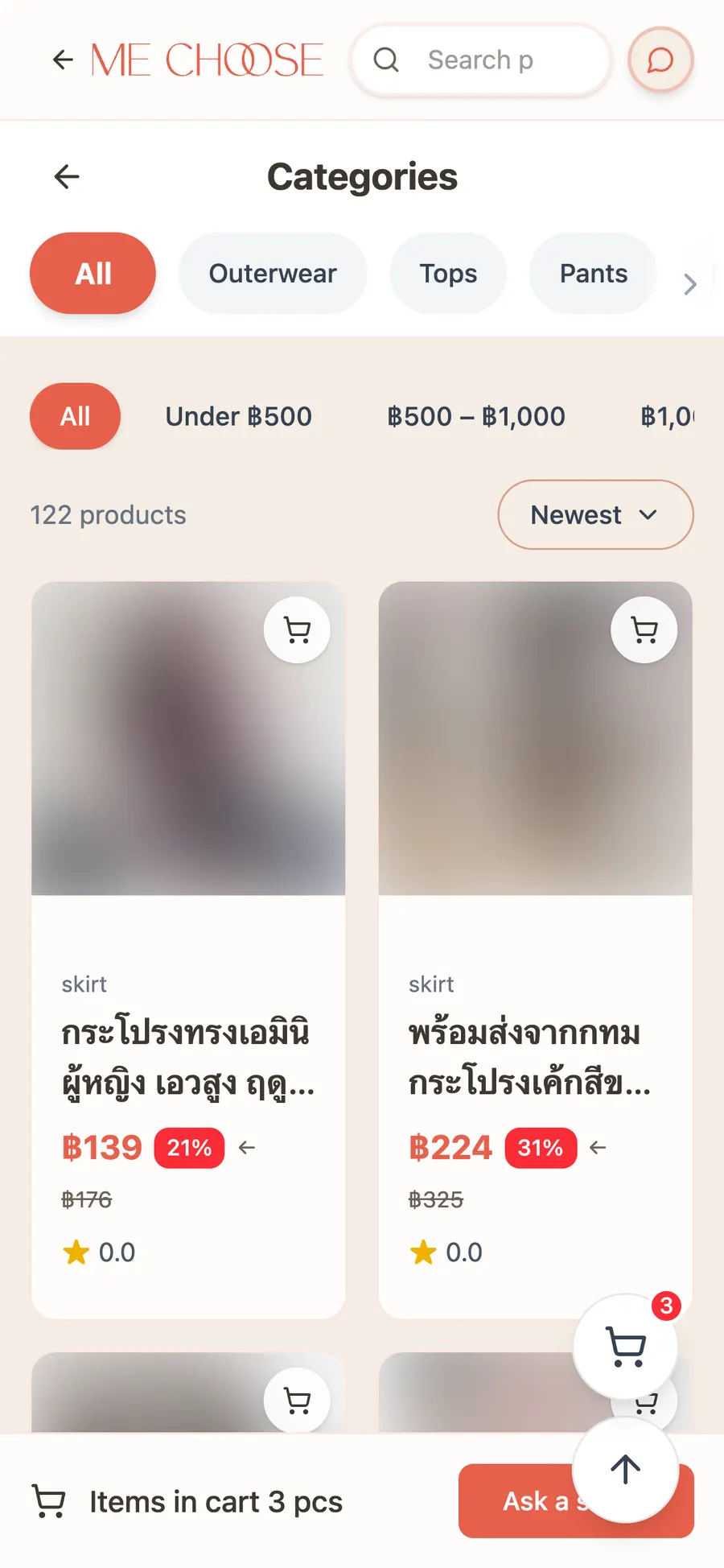
Prepared store images and metadata in four languages: English, Japanese, Thai, Traditional Chinese.
Reached the Google Play internal-testing stage.
Store localisation — English, Japanese, Thai, Traditional Chinese
06
Retrospective
Even without knowing the engine, I learned you can reach release if you design what to instruct in what order, and how to check and correct the result. If I did it again, I'd bake asset splitting and build automation into the bar from day one.
(01) Review
Honest Review
If a developer had built it
●Strong3
Speed & cost — idea to store build in ~4 weeks, solo
~36K lines of C# (~17.7K runtime), 3 cases, in-app purchase, 4 languages. A 2–3 person team typically needs 2–4 months for this scope (estimate). No git, so dates come from file timestamps (a minimum).
Release & ops — 10+ store builds in 4 weeks, scripted
Android and iOS release builds repeated 10+ times; debug symbols and asset packs archived by script, every build result logged.
Localization — 4 languages, zero missing keys
English, Japanese, Thai, and Traditional Chinese tables are each exactly 1,452 lines; the game picks the system language automatically.
◐On par4
Feature scope — on par with a small-team release
3 cases, saves, settings, hint book, cinematics, purchases with restore.
Performance — split downloads done right
Addressables + Play Asset Delivery keep the install small; a few per-frame object lookups are still to be cleaned up.
Readability — consistent, with some dense spots
Consistent naming; 10 UI panels share one base class. Some logic is packed into single lines.
Documentation — decisions recorded
Design, monetization, and release decisions are written down; there is no developer-facing structure doc yet.
↗Next step (in progress)5
Testing & automation — no automated tests or CI yet
I checked quality by playing every step myself and with an editor play-test driver.
Plan → Tests for purchase and save logic first, then build + tests on every commit (CI).
Architecture — runtime code not split into modules
Half the code is one-off editor scene builders; scenes are wired by runtime lookups rather than references.
Plan → Split runtime code into Core / Cases / UI modules and inject references once at start.
Version control — manual backups instead of git
To ship fast, builds and code were backed up as copies.
Plan → Move to a private Git repository with secrets excluded from day one.
Security — hardening before public launch
Payments go through the official store SDKs; an extra server-side layer comes before the public release (details kept private).
Plan → Server-side purchase verification, then an outside review.
Accessibility — basic options only
Sound, sensitivity, and vibration settings; no subtitles, font size, or color-blind options yet.
Plan → Subtitles, font size, and color-blind options become release-checklist items.