Dev start (04-27) → TestFlight ~7–8 weeks (~23 active days). ~5-week gap between idea and start (other projects in parallel)
01
Idea / Problem
First instruction: "When a couple is in roughly the same place (within ~10m) and one of them takes a photo, auto-collect that photo with its date and location — can this be done?"
Original (KO): "커플 둘이 비슷한 공간(오차 10m)에 같이 있을 때 한 명이 사진을 찍으면, 그 사진을 날짜·위치와 함께 자동으로 모아주기 — 할 수 있나?"
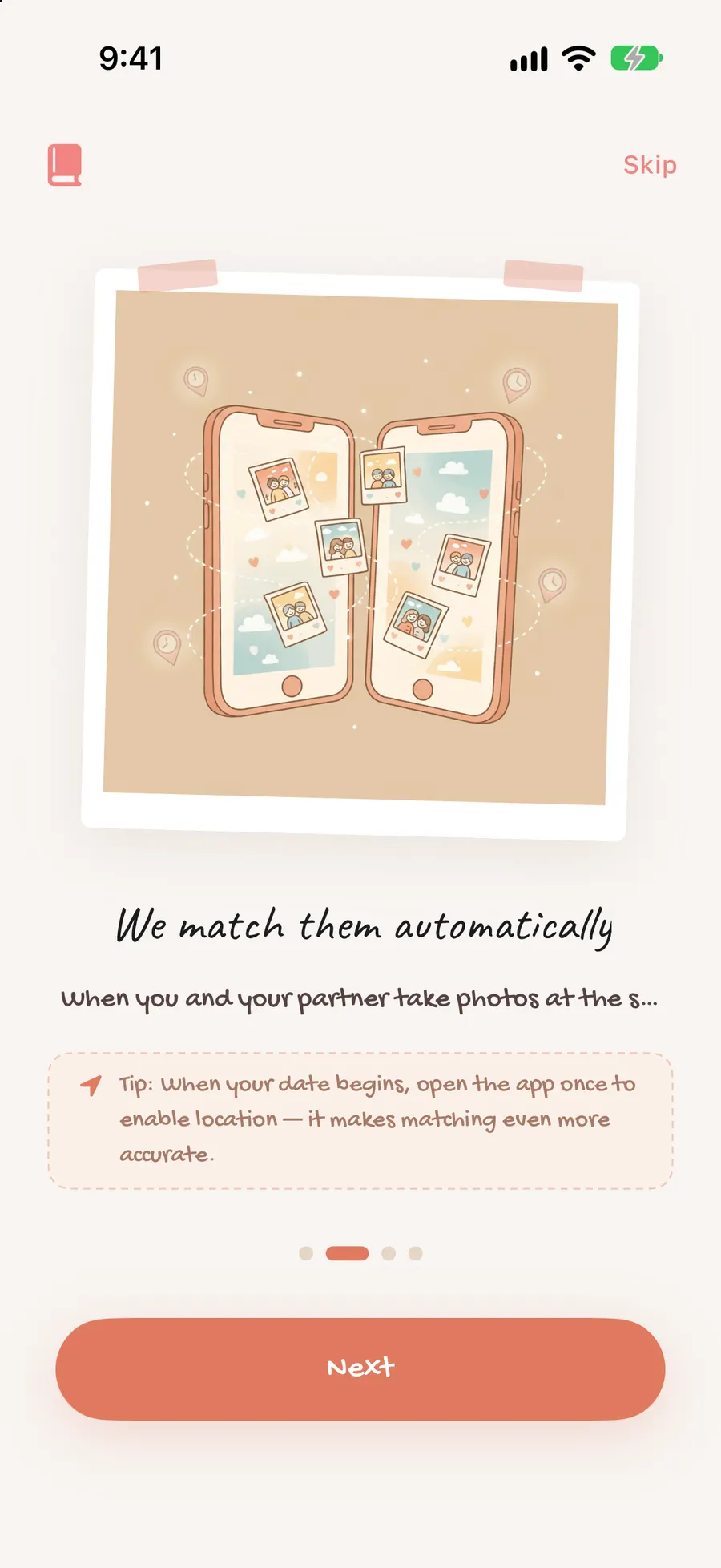
Logging every shared moment by hand is tedious. The idea came from everyday life: what if the app itself noticed when two people were in the same place at the same time, and bundled that into a memory?
Platform bar: iOS in SwiftUI, Android in Kotlin/Compose, each native. I made it a hard rule: "don't port iOS code to Android — follow each platform's conventions."
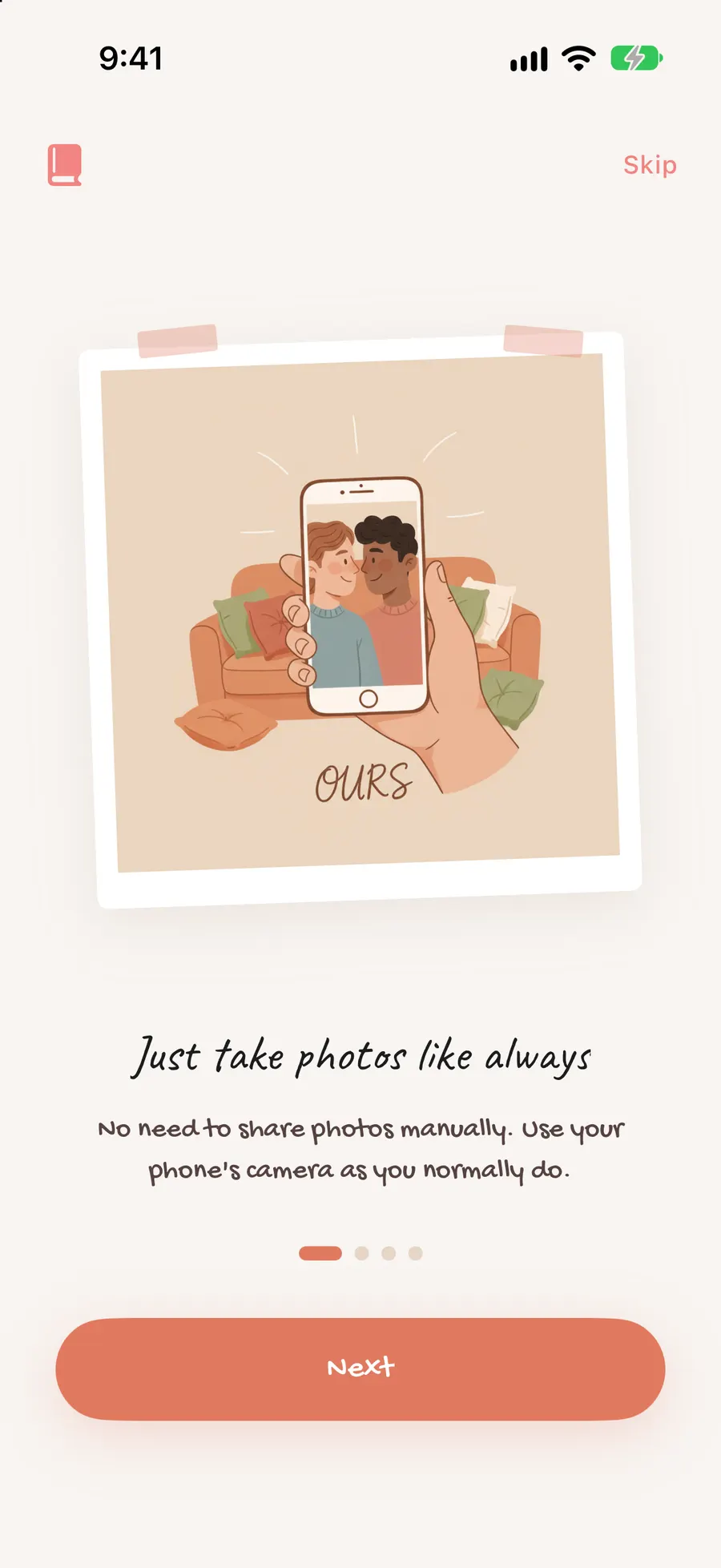
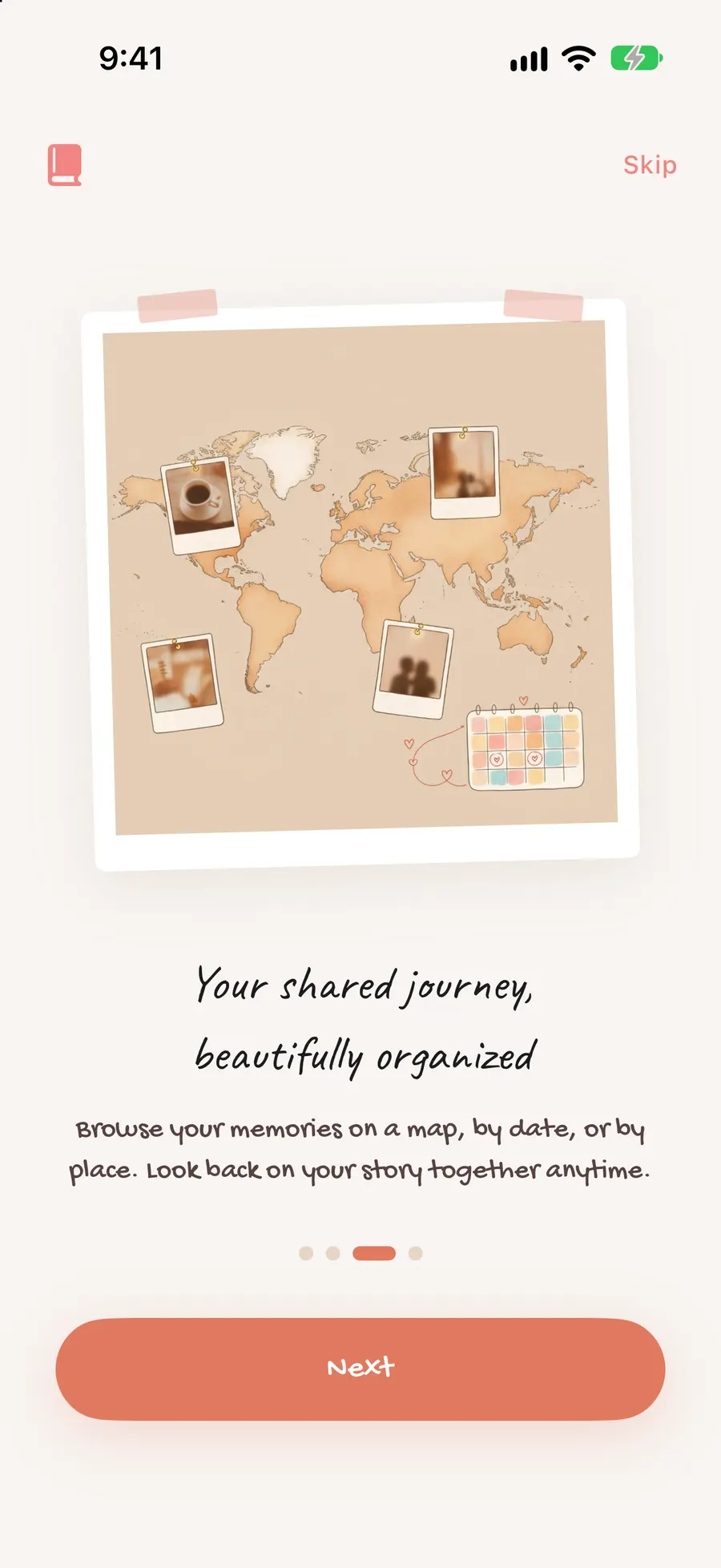
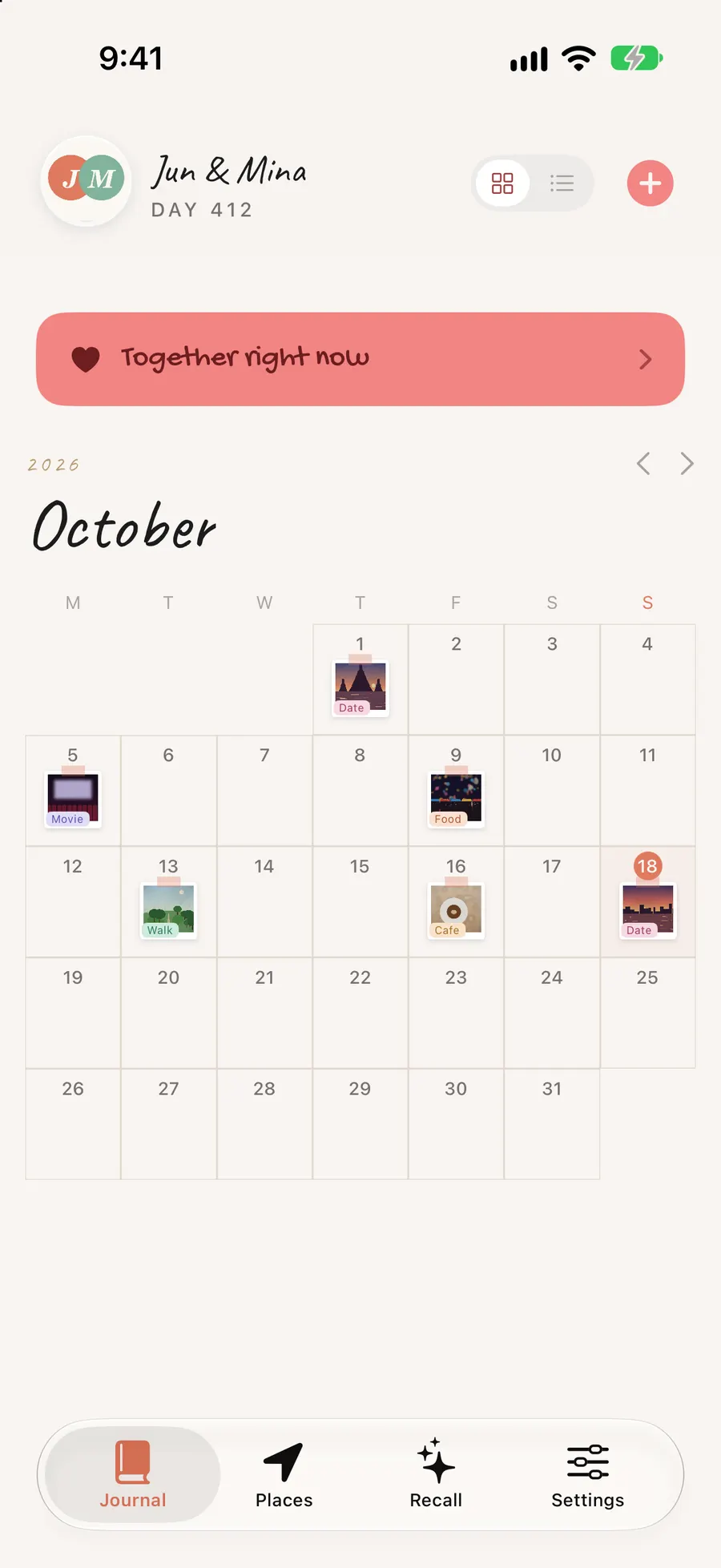
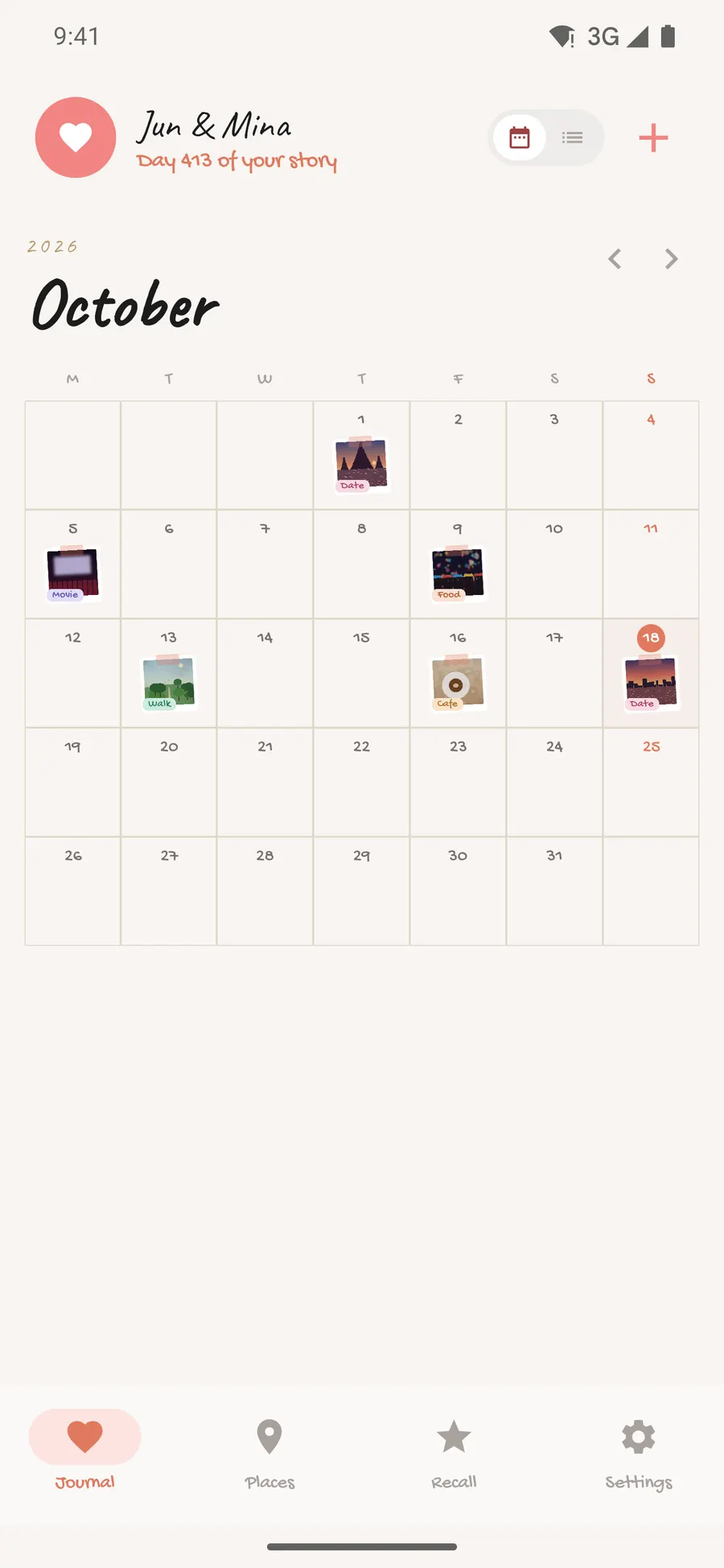
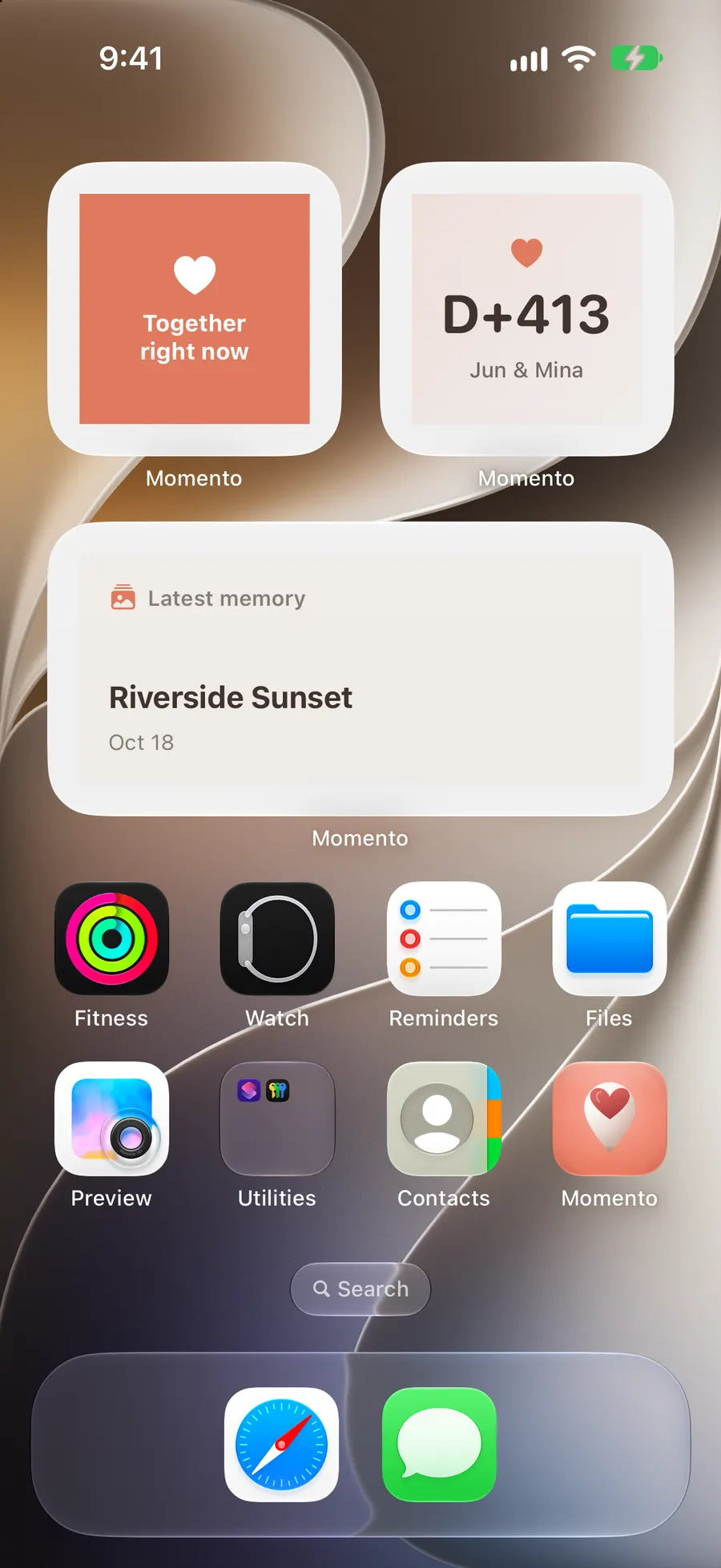
Design bar: "dakku" scrapbook tone (coral #E07A5F, polaroids / masking tape / handwriting)
A safety rule for AI work: explain side effects and get approval before any change
iOS · SwiftUI
Android · Jetpack Compose
03
Directing AI
Fig. momento-03
Directing AI
01 First instruction
for iOS and Android each, build the same features the platform's own way.
02 What I checked
I ran builds and screens and found where server dates broke and where the Android build stalled.
03 Correction
I instructed by pointing at the cause — "build a decoder that flexibly accepts the server's various date formats," "the Android DI tool doesn't fit, switch to manual singletons."
Actual instructions (excerpts)
›On Android, don't copy the iOS code — rebuild it the platform's own way.Original안드로이드는 iOS 코드를 복사하지 말고 그 플랫폼 관례대로 다시 만들어.
›Don't tell me it's done from memory — show me by checking the actual code.Original됐다는 걸 기억 말고 실제 코드로 확인해서 보여줘.
04
Where It Got Stuck & How I Resolved It
Supabase date-format mismatch: Inconsistent server date formats broke iOS decoding. I directed AI to build a custom decoder accepting multiple formats.
Android DI tool incompatibility: Hilt clashed with the latest build setup, so I directed a switch to manual singletons to stabilize the build.
Location-match reliability: Comparing locations on-device varied by phone and drained battery. I changed the design to gather pings on the server and compute match candidates with a SQL function.
Fig. momento-07
Moving location matching from devices to the server
device ↔ device comparison→computed on the server
iOSA's location ping
AndroidB's location ping
DBPings stored on the server
SQLMatching functionSame place & time candidates
ResultMemory createdOn both timelines
Comparing locations app-to-app gave inconsistent results and drained battery, so pings now go to the server and a SQL function computes match candidates.
Case 01
Dates from the server failed to decode on iOS
!
Symptom
Dates from the server failed to decode on iOS, breaking screens.
›
How I described it
the server's date format is inconsistent, so parsing fails," as fact.Original서버 날짜 형식이 일정치 않아 파싱이 실패한다"고 사실로 전달.
↺
AI’s first try
A fix assuming a single format failed on other formats.
◎
What I caught
A flexible decoder that accepts multiple formats was needed.
✓
Fix
Directed a custom decoder (accepting multiple formats).
⟲
Prevention
I treat externally-sourced values as "format may vary" and parse defensively.
Case 02
The Android build failed from a clash between…
!
Symptom
The Android build failed from a clash between the DI tool (Hilt) and the latest build setup.
›
How I described it
Shared the symptom with the build log.Original빌드 로그와 함께 증상 전달.
↺
AI’s first try
Changing versions alone didn't resolve it.
◎
What I caught
Working around it with manual singletons instead of Hilt was the right call.
✓
Fix
Directed a switch to manual singletons, stabilizing the build.
⟲
Prevention
I don't force incompatible tools — I weigh alternatives first.
05
Results
Built the same app natively on both iOS (SwiftUI) and Android (Compose)
iOS uploaded to TestFlight (including App Store payout bank account and tax forms); Android in progress
06
Retrospective
Instructing the same features two ways taught me it's not copy-paste — each platform has its own natural design, and I have to separate that out in how I direct AI. Next time I'd lock down the backend and shared rules first, then attach both clients.
(01) Review
Honest Review
If a developer had built it
●Strong3
Feature scope — 24 iOS feature modules, on TestFlight